Your website
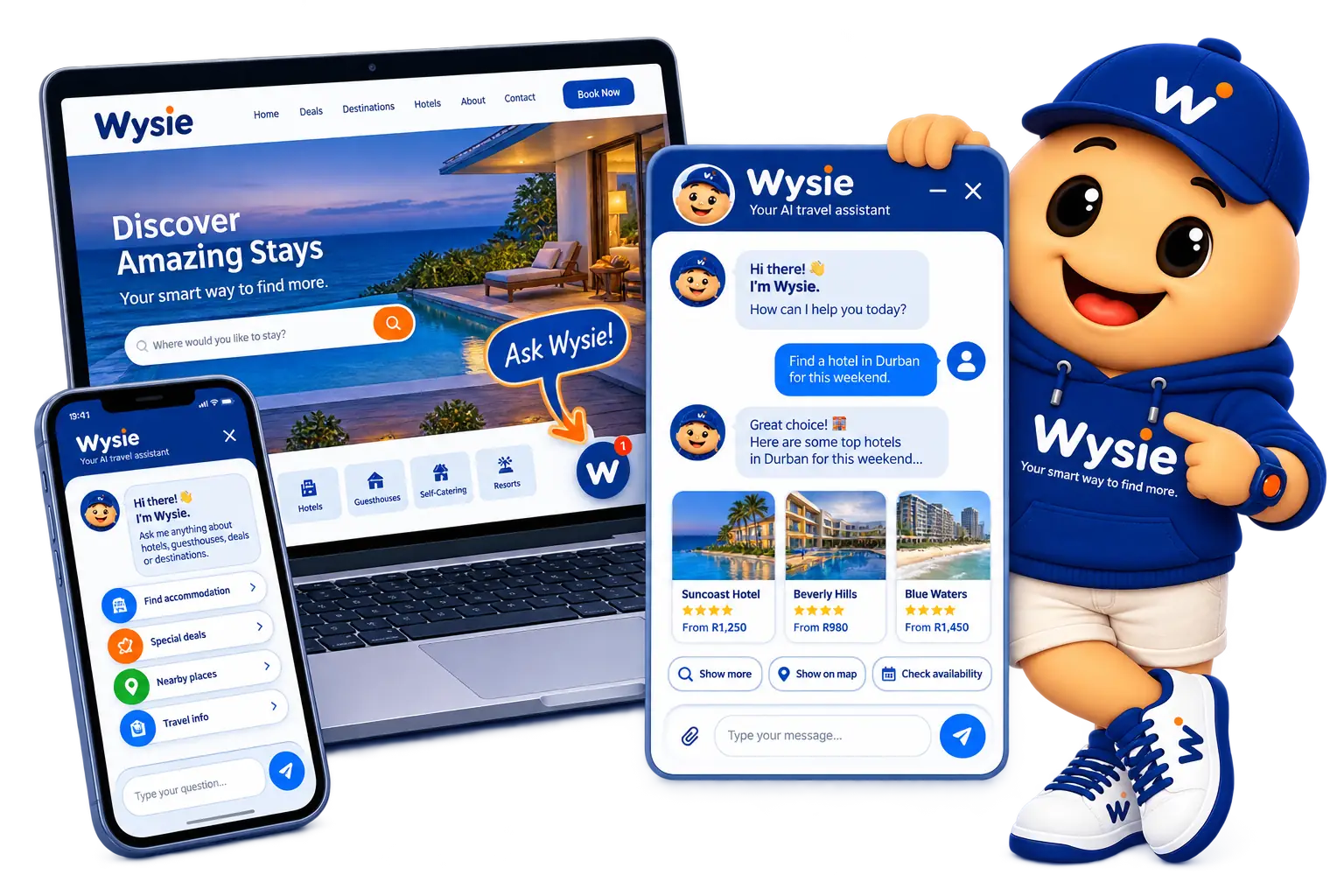
Add the Ask Wysie widget to your existing website.
YOUR SMART WAY TO FIND MORE.
Wysie uses your approved business information to answer customer questions accurately, in their language, 24/7.
For first-time setup, please use a desktop or laptop.

MEET WYSIE
Give your customers a simple way to get the information they need about your business, products or services — with answers relevant to your industry.

HOW WYSIE GIVES RELIABLE ANSWERS
Use your website, documents, images and other trusted material.
You stay in control of the business knowledge Wysie uses.
Wysie uses your approved information to provide helpful answers.
MEET YOUR CUSTOMERS WHERE THEY ARE
Add the Ask Wysie widget to your existing website.
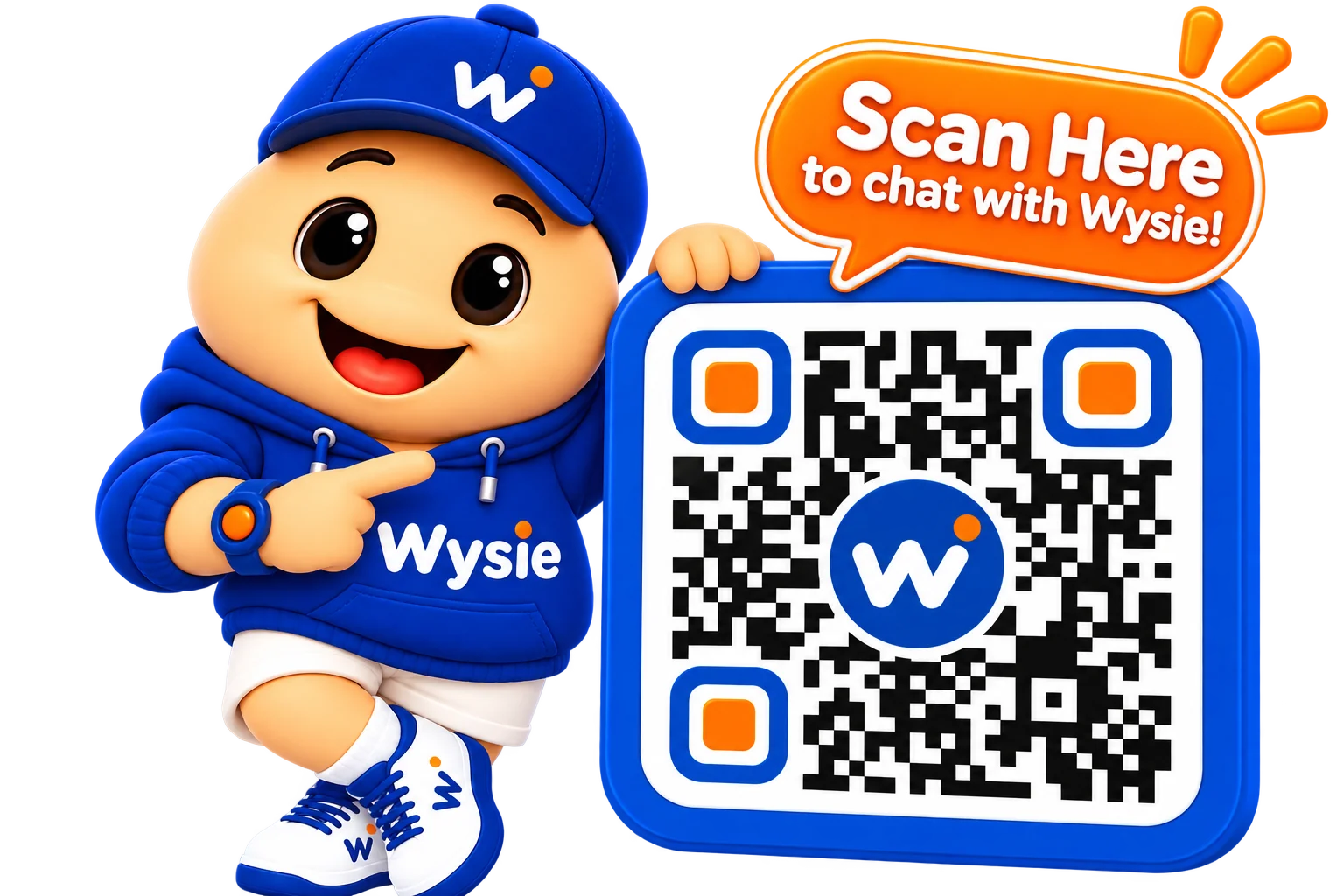
Give customers a direct way to access Wysie.
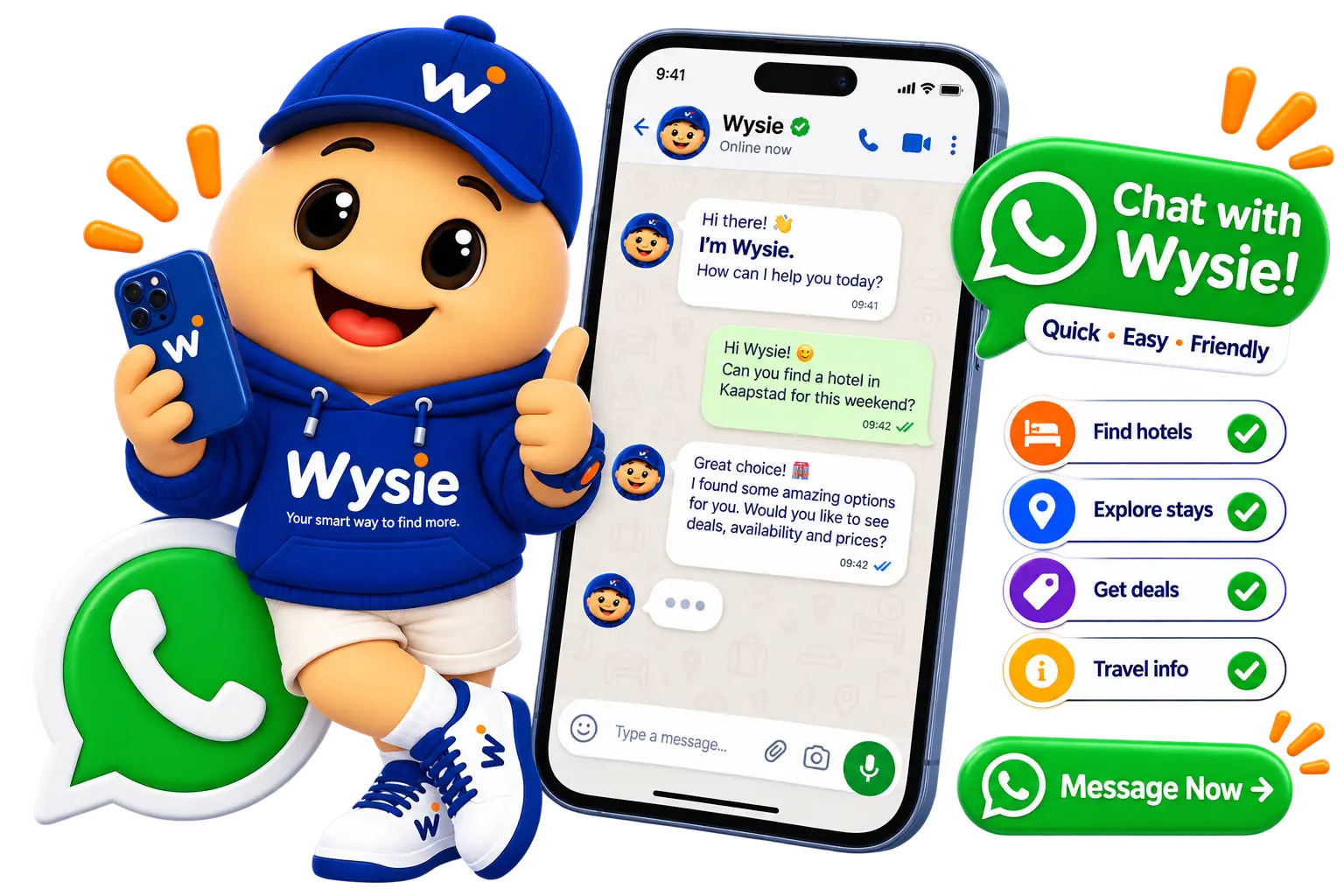
Make Wysie available through a familiar communication channel.
Add Wysie to your existing customer channels—without rebuilding your website.
THE WYSIE DIFFERENCE
Wysie uses your approved information, responds in your customer's language and involves your team when needed.
Customers get useful information without waiting.
Wysie detects and responds in the customer's language.
Business-specific answers use information you review and control.
When Wysie cannot answer confidently, it directs customers to your team.
Start your free trial and set up Wysie for your business in a few guided steps.
SIMPLE TO GET STARTED
Go from creating your account to helping customers in four guided steps.
First-time setup is best completed on a desktop or laptop computer. Once Wysie is set up, you can make small updates from your mobile phone.
Set up your Wysie business profile.
Supply your website, documents, images and contact details.
Check the information before it becomes trusted business knowledge.
Use your website widget, QR access or WhatsApp channel.
ONE WYSIE. MANY INDUSTRIES.
Here are just some of the businesses Wysie can support.
 Hospitality
 Restaurants
 Real Estate
 Automotive
 Healthcare
 Professional & Technology
And many more business types.
ASK WYSIE
Start your free trial and put Wysie to work for your business.
Start Your Free Trial →